
The tour
A reader to follow along, and a studio to make the reading
ai1y has two sides. The reader reads a book aloud and lights up each word as it’s said. The creator studio gives every character a voice and lets you shape each reading, down to the waveform.

The reader
Read it, hear it, follow it
On a laptop, a tablet or a phone, and it works with Yoto.* Pick what you’d like to see, or let the screens take turns.
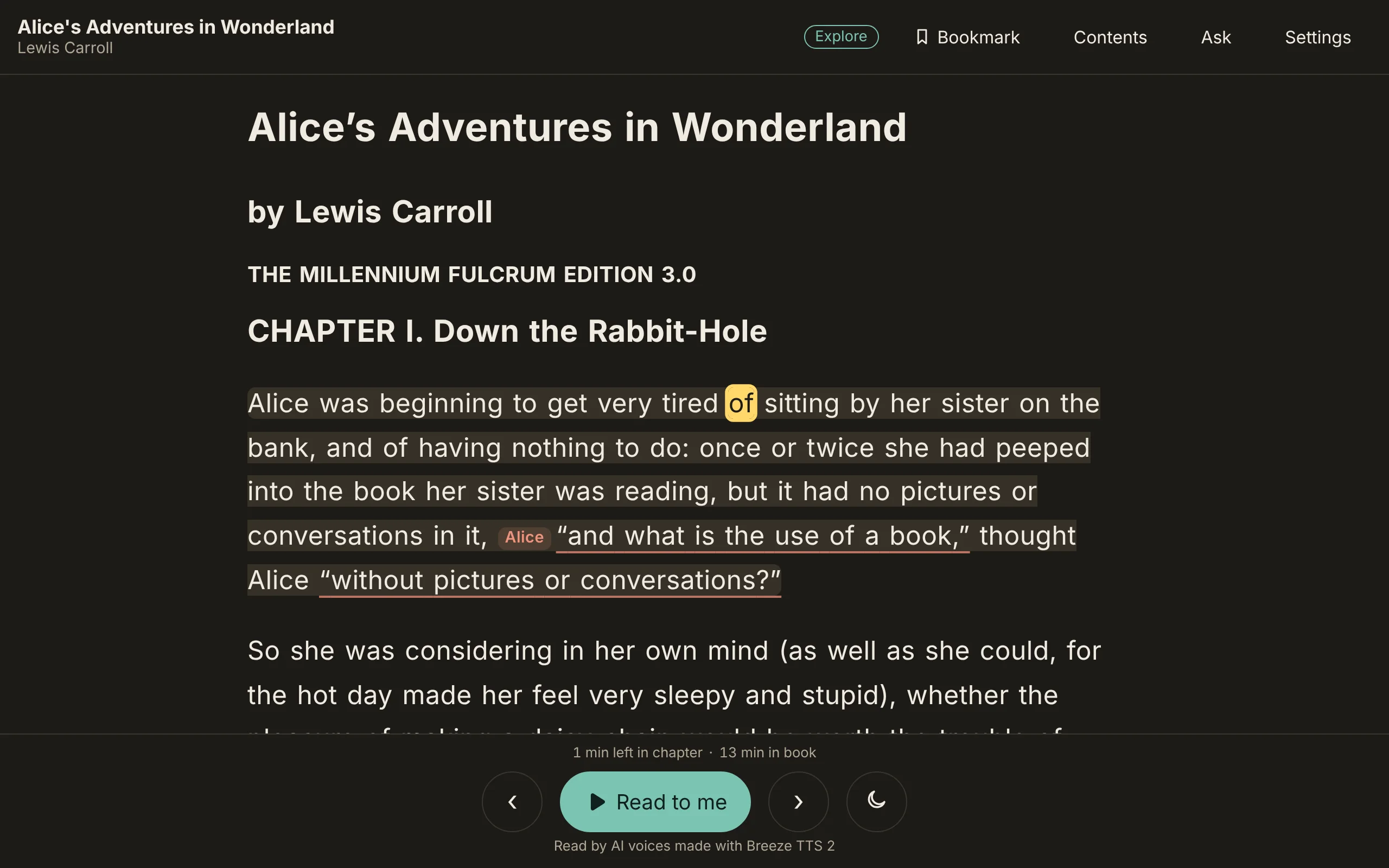
The word being said and its sentence light up, so your eyes and ears stay together. Tap any word to read on from there.

Hold any word to see the letters that make each sound, and hear it.

Pick a spelling like silent e, and every word in the book with it is underlined, to find and tap.

Jump to any chapter, keep your place with a bookmark, and see how long is left.

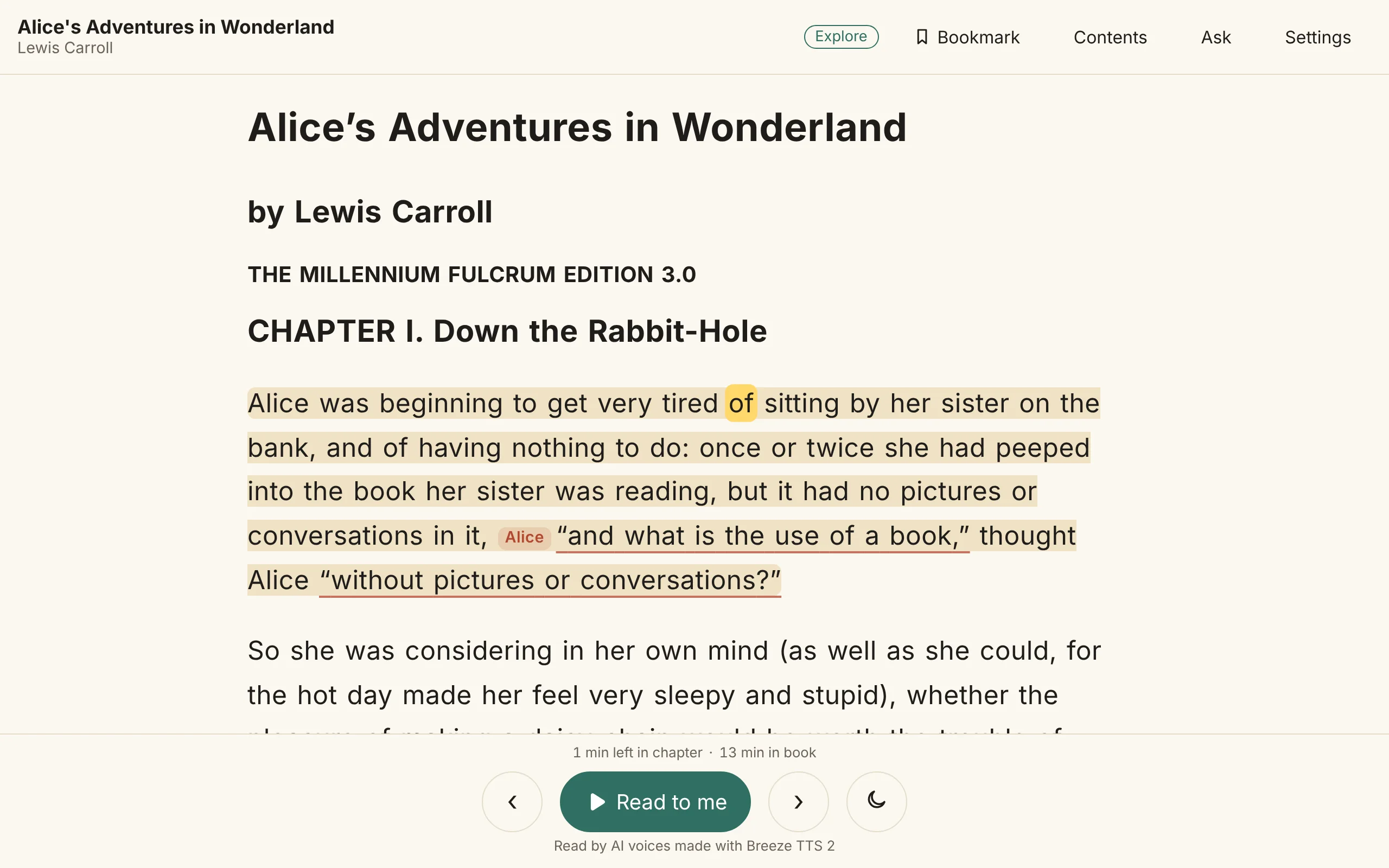
Read in light or dark. Drag the handle to see both.
Pick the text size, the spacing, the font and how fast the voice reads. The reader keeps your choices for every book.

Turn on short spoken summaries of pictures, tables and code, labeled as written by AI, with the original a tap away.

Talk to your book: ask a question out loud and hear the answer from the book, then ask the next one. You can type a question too. Asking uses an online service.


Put a narrated book on a Yoto Make Your Own card: each chapter becomes a track. It works with Yoto.*

The creator studio
Make a book sound the way you hear it
Give every character a voice, then shape each reading on a Timeline with a lane for every voice, sound effect and background.
Each voice, the sound effects and each background on a lane of its own. Mute or solo a lane, and play the mix.

Zoom in and every reading shows its waveform, clip by clip, word by word.

Pick a clip to make it louder or quieter, or trim a click or a breath from its ends. Nothing is read again.

Draw a volume line on a clip to bring part of it down or up, right on its waveform.

Cut a clip in two with the scissors. The cut snaps between words.

Drag the pause after any clip longer or shorter, with Undo right there.

Describe how each character should sound, and pick their voice by ear.

Every change is listed in words, and any version can come back.

Edit in the reader
Hear a sentence, fix it right there, even on your phone
With the studio running, open the book in the reader, tap a sentence that needs work, and change who says it, how it’s said or which take plays. Hear the change in place before you update the book.
Listening on your phone? Turn on Fix, tap the sentence that needs work, and its sheet opens right over the book.


Change what the voice says, mark how it goes, or read it aloud yourself: your stress, pauses and tune are put into words for the voice.


Make a clip louder or quieter, or trim its ends on its waveform, with your thumb.


The same sheet opens beside the book on a bigger screen. Changed sentences play as they will after you update the book.

Open
Your books, in an open format
An ai1y book is a folder of plain files: the text, each narration, and the timing of every word, kept on your device. The format and the reader are open source, so nothing you make is locked to one app.